> For the complete documentation index, see [llms.txt](https://help.karyakarsa.com/llms.txt). Markdown versions of documentation pages are available by appending `.md` to page URLs; this page is available as [Markdown](https://help.karyakarsa.com/karyakarsa-usage-guide/creator-guides/general-guide/guide-for-karina-idea-buddy.md).
# Guide for Karina - Idea Buddy
Karina makes it easier for you to quickly find ideas to create works based on your preferences and needs.\
Just start chatting with Karina and ask what ideas you are looking for - *Outline for the work, plot twist for the storyline, exciting setting, interesting characters or figures in the story and many more!*\
*You can also save ideas from Karina or use them directly when creating works.*\
With Karina, finding new and interesting ideas for stories has never been easier. Try it now and feel for yourself how Karina can help you create works faster and more productively!
## Who can access Karina - Idea Buddy?
Creators of any category can access this feature. Make sure you are registered as a creator.
{% hint style="info" %}
[Read the guide to registering as a creator here.](/karyakarsa-usage-guide/creator-guides/master.md)
{% endhint %}
## Where can I access Karina - Idea Buddy?
Currently, you can find the Karina feature when you want to create a description of your work and written work on the KaryaKarsa application or via a browser.
### Work Description
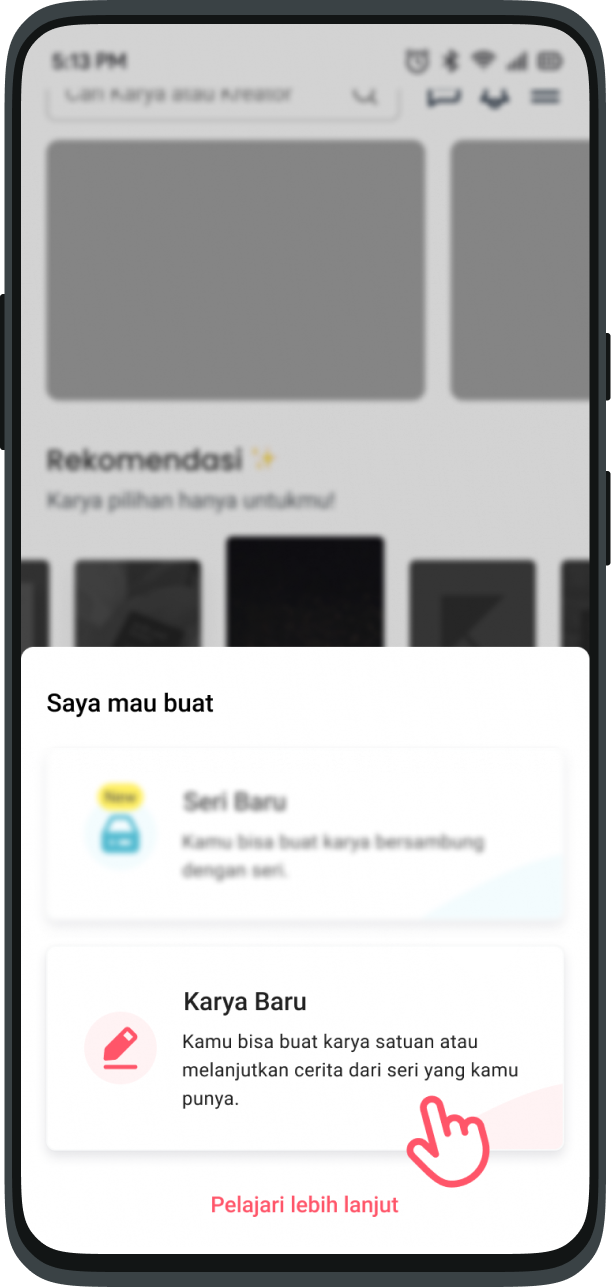
* Start from the option to **Create New Work**
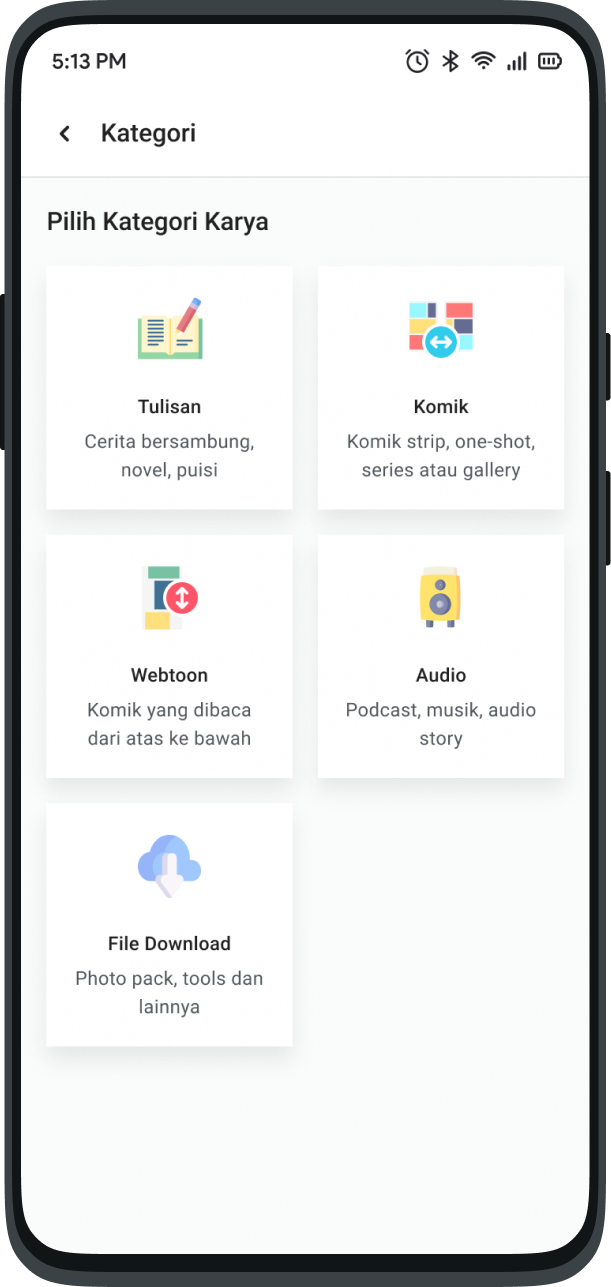
* Select the Work Category you want
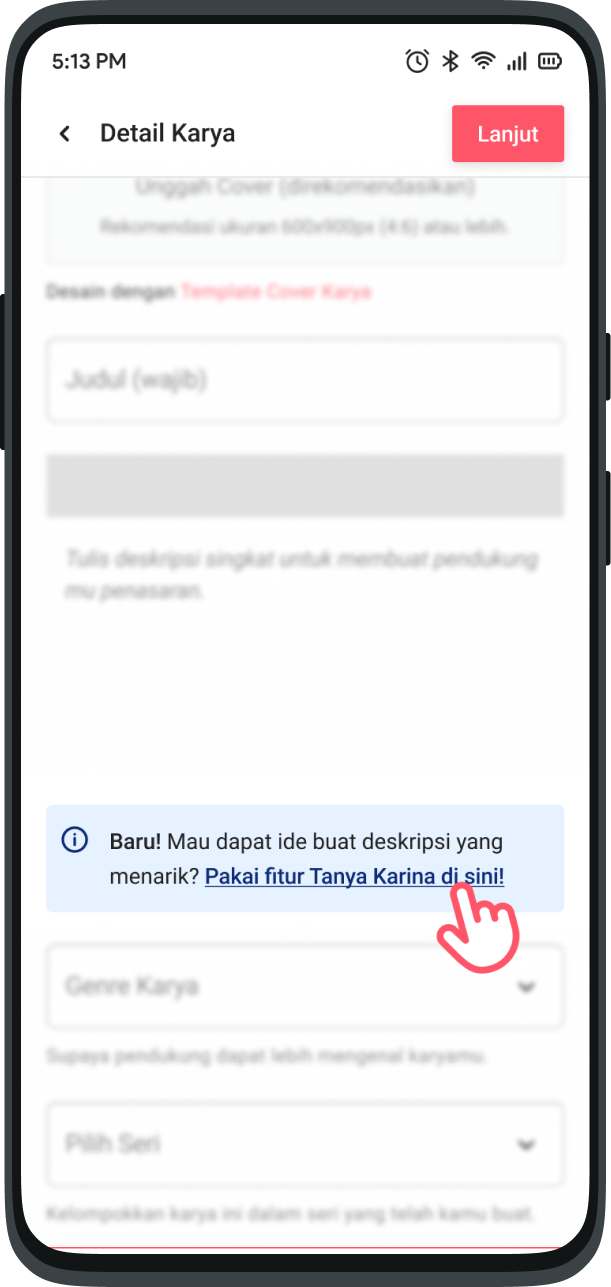
* On the Work Details page, choose the Use Ask Karina option.
### Written Work
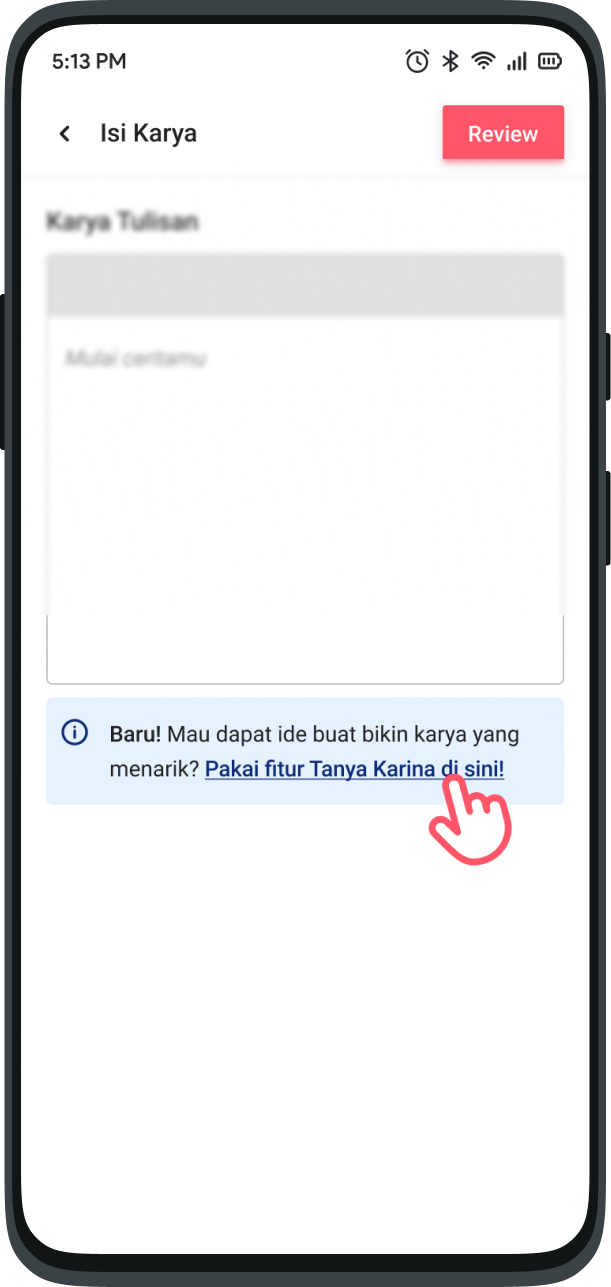
* Choose the option for Use Ask Karina on the bottom of the Work Contents page.
## How do I use Karina - Idea Buddy?
This feature is like asking your friends via chat. Ask anything about Karya inspiration, Karina is ready to help you.
Follow these steps so that Karina is even happier to help you find ideas.
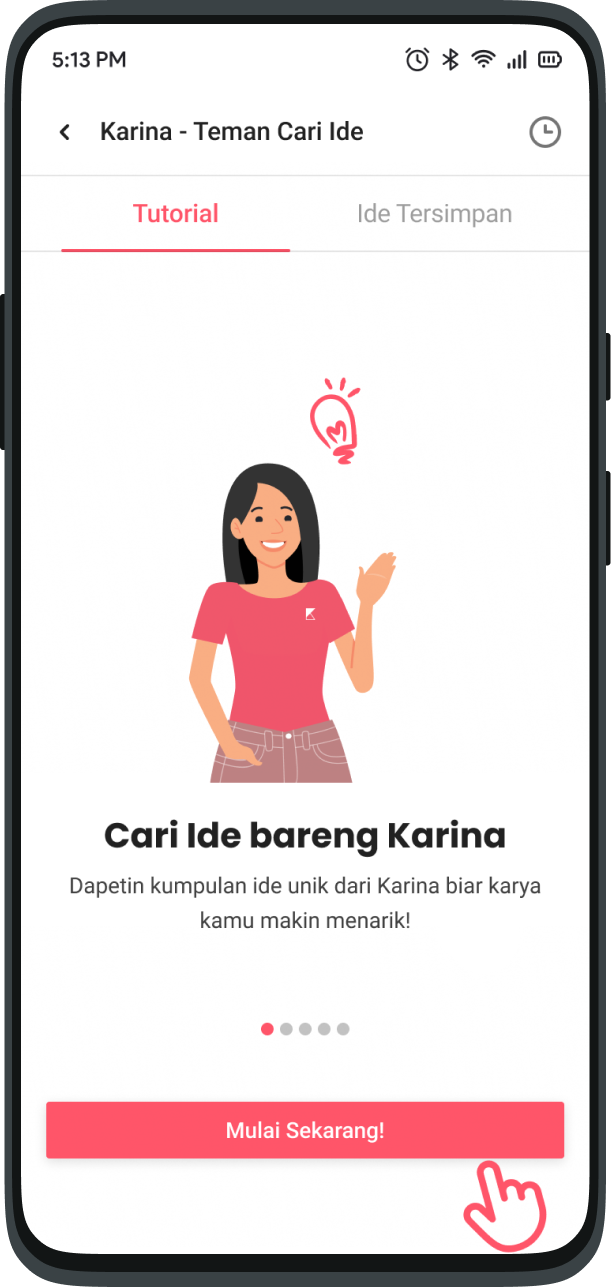
* On the main page, click **“Start Now”**
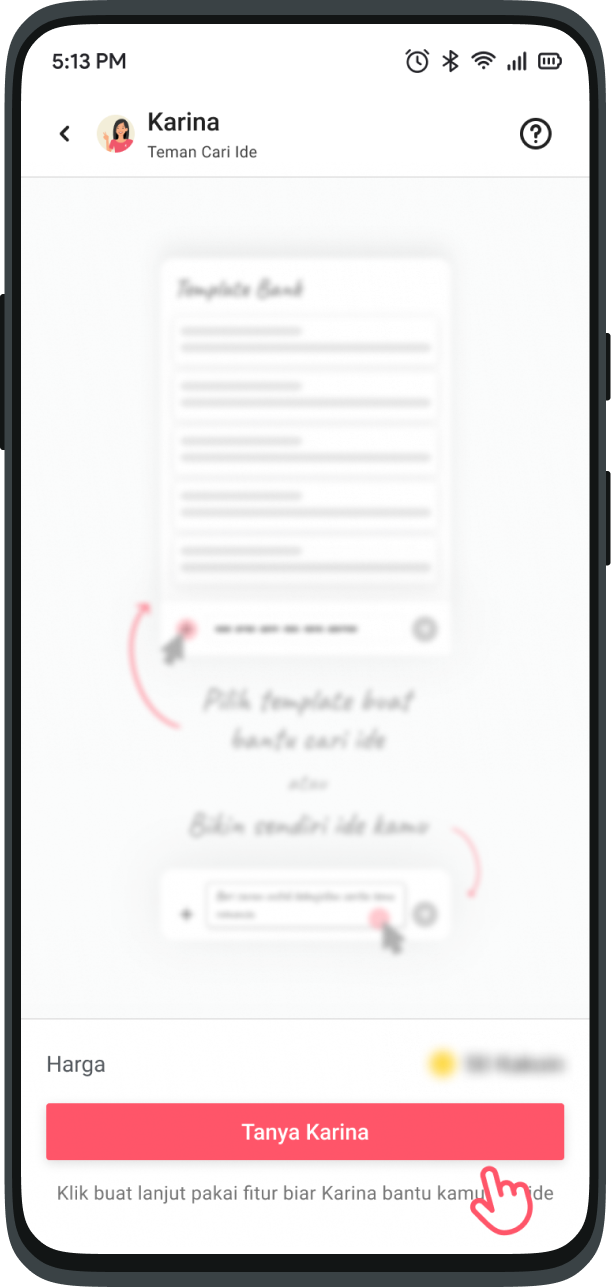
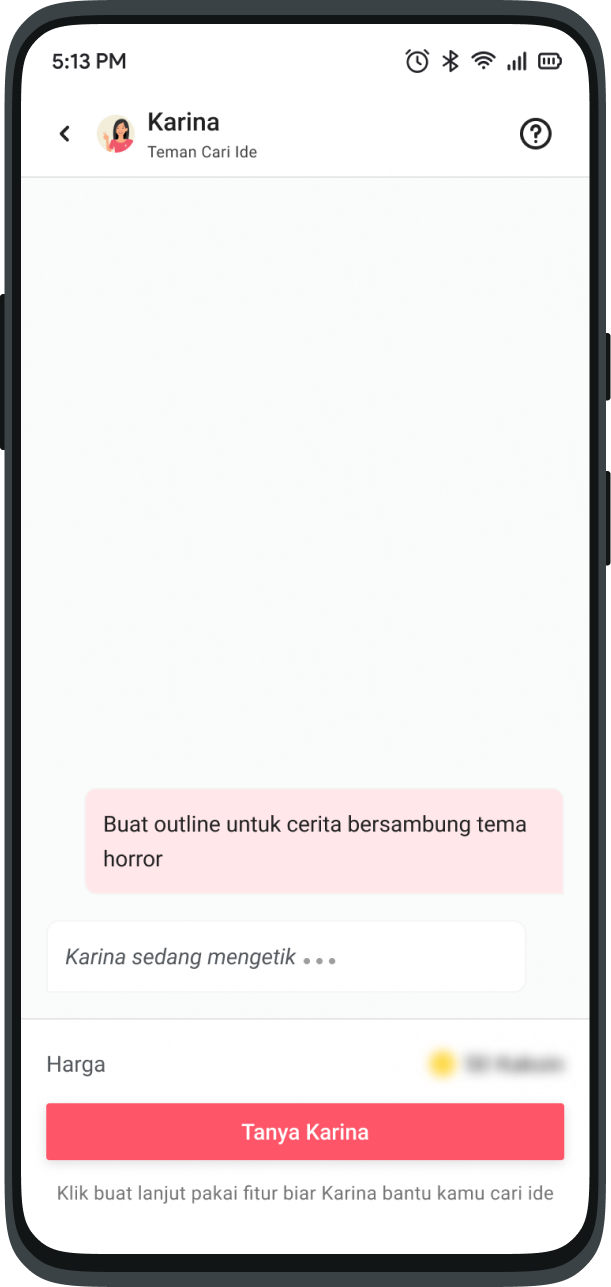
* On the chat page, press the "Ask Karina" button and Voila! The feature opens and Karina is ready to answer your questions.
{% hint style="info" %}
Make sure you have enough Kakoin! [Also read: Kakoin Guide.](/karyakarsa-usage-guide/user-guide/guide-to-kakoin.md)
{% endhint %}
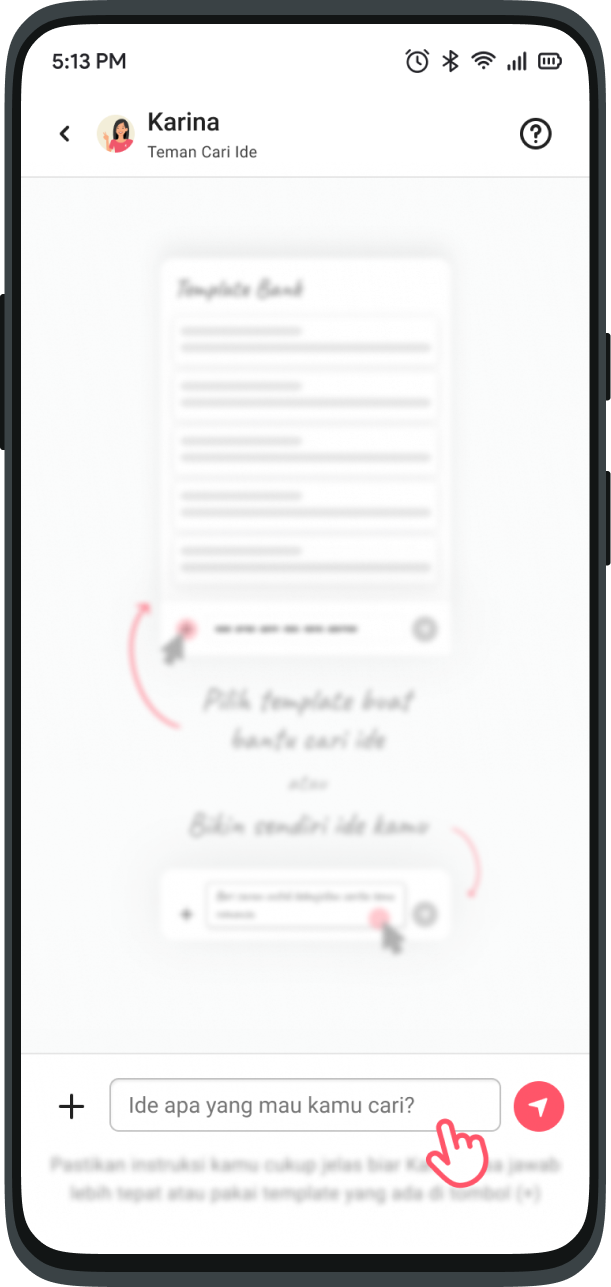
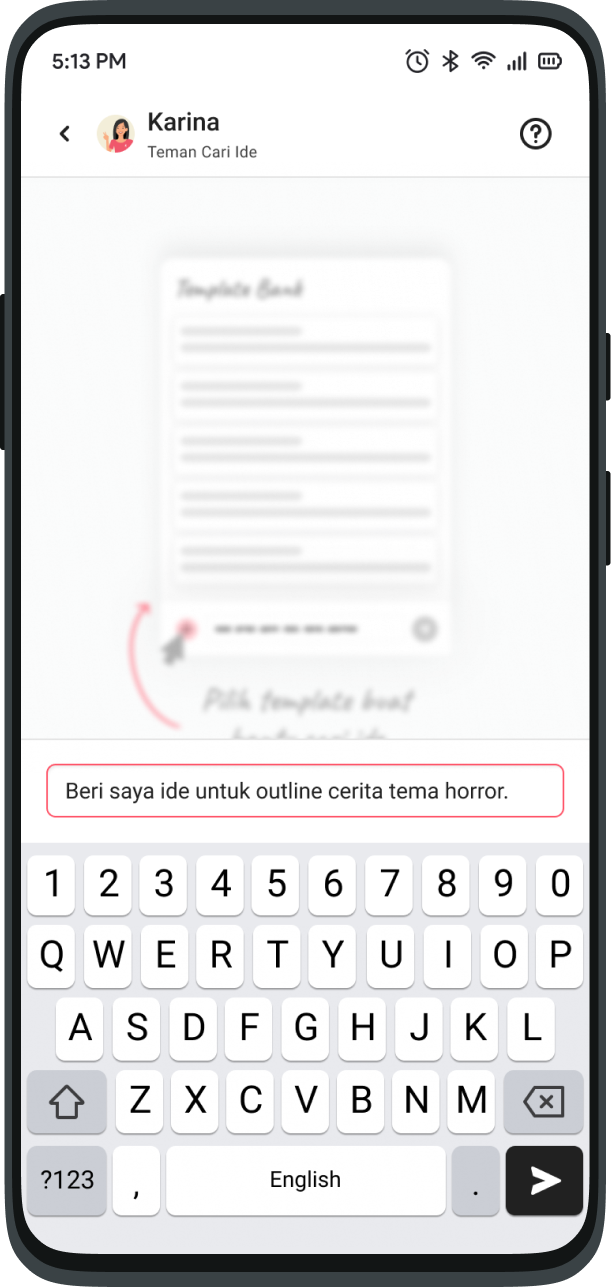
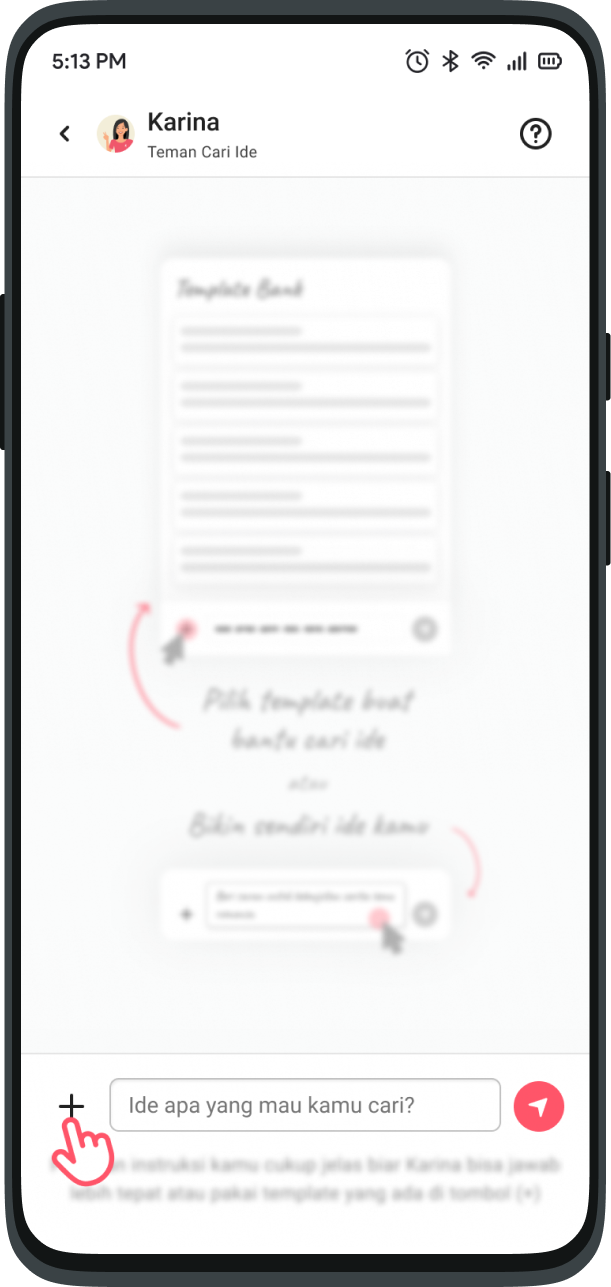
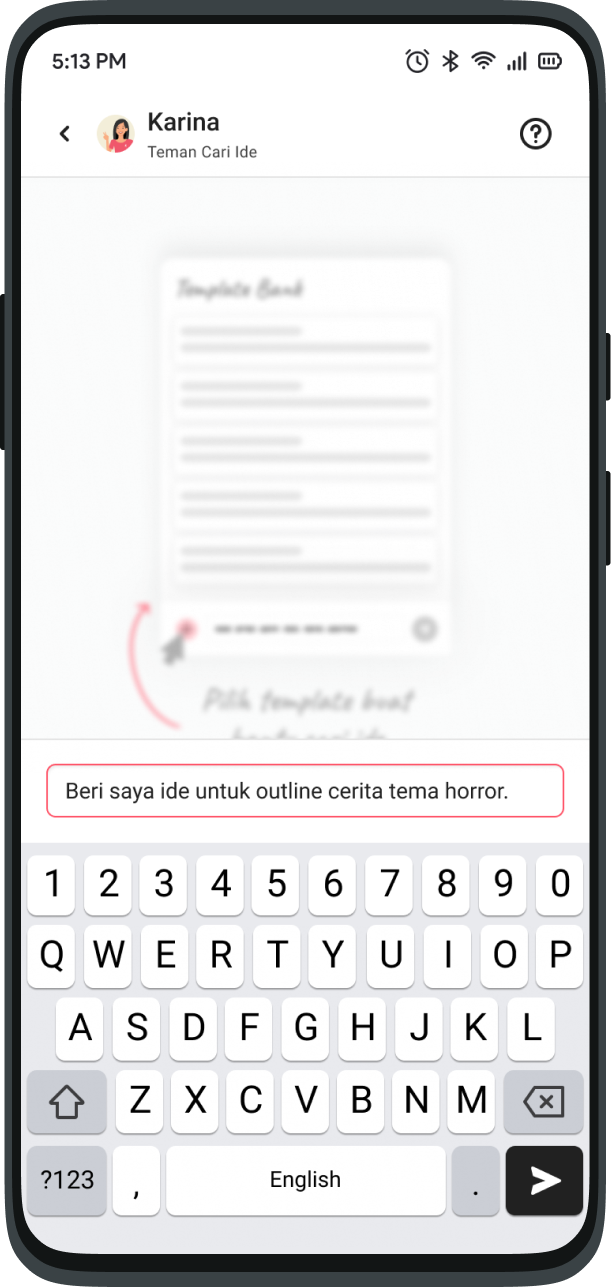
* You can choose and create your own questions or use the templates available in the (+) button.
{% hint style="info" %}
Also read: [How to use templates in Karina](#how-do-i-use-templates)
{% endhint %}
* Press the send button to let Karina know your question.
* Wait a minute, Karina is typing and preparing the best ideas for you.
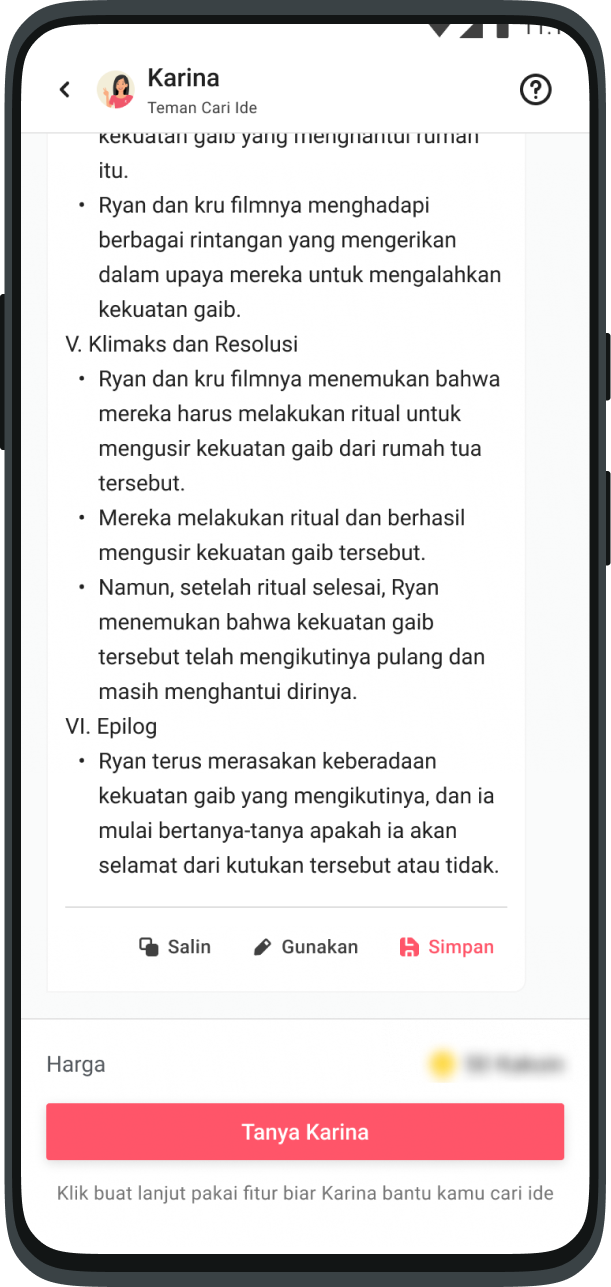
* Gotcha! Karina replies with an Idea based on your question!
## How do I use templates?
* On the chat page, press the **“Ask Karina”** button.
* When the feature has successfully opened, press the (+) button.
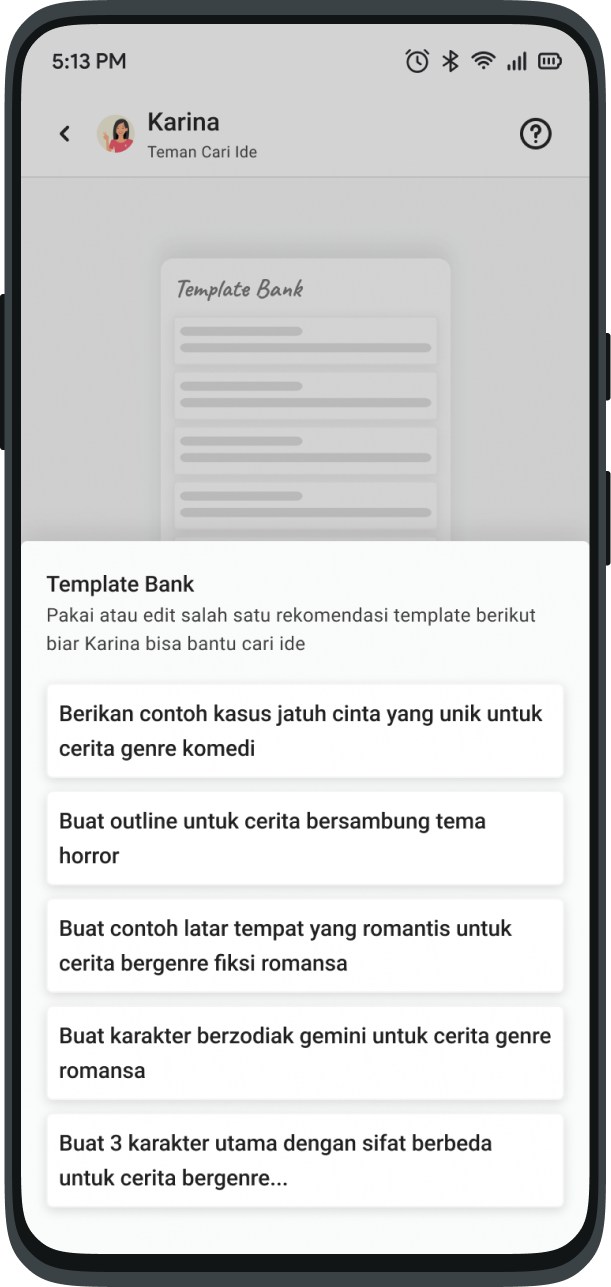
* Choose one of the templates to help you create questions.
* You can also change it to suit your needs before sending.
* Hit the Send button and Whoosh! Karina makes it easier to answer your questions.
## What are Save, Copy and Use?
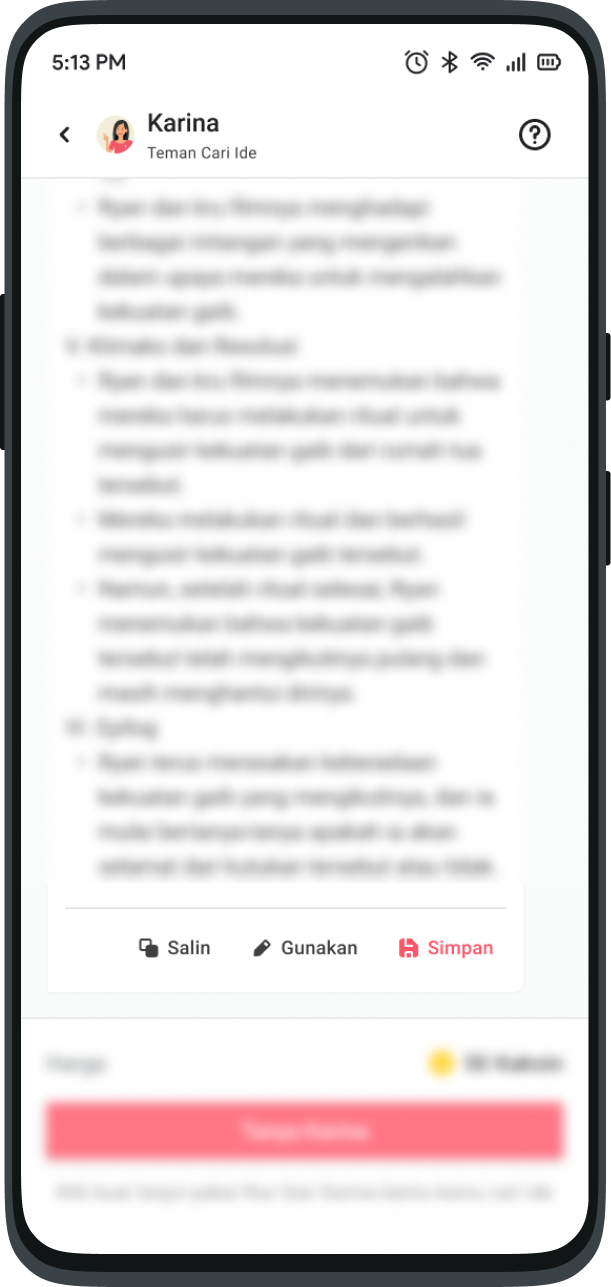
From Karina's answers, there are three options
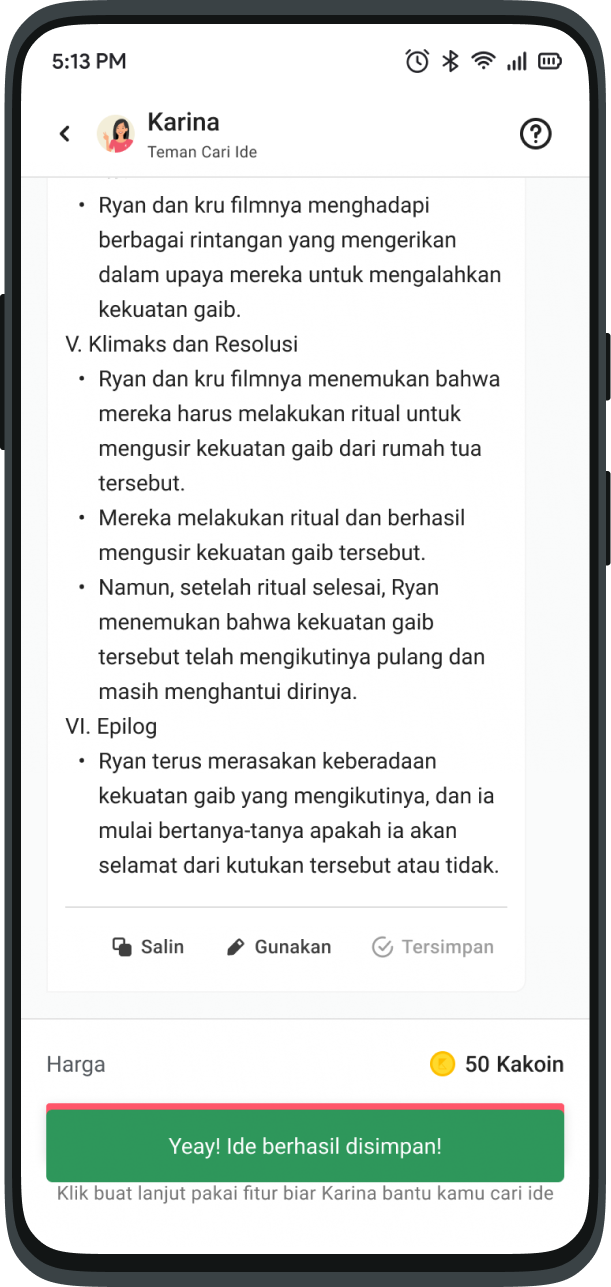
* Save: You can save Karina's ideas to read later. These ideas will appear in the Saved Ideas Tab.
{% hint style="info" %}
Also Read: [What is a Saved Idea?](#what-is-a-saved-idea)
{% endhint %}
* Use: You can place Karina's ideas directly on the Description Page or Written Work.
* Copy: Karina's idea will be copied first, you can paste it wherever you want.
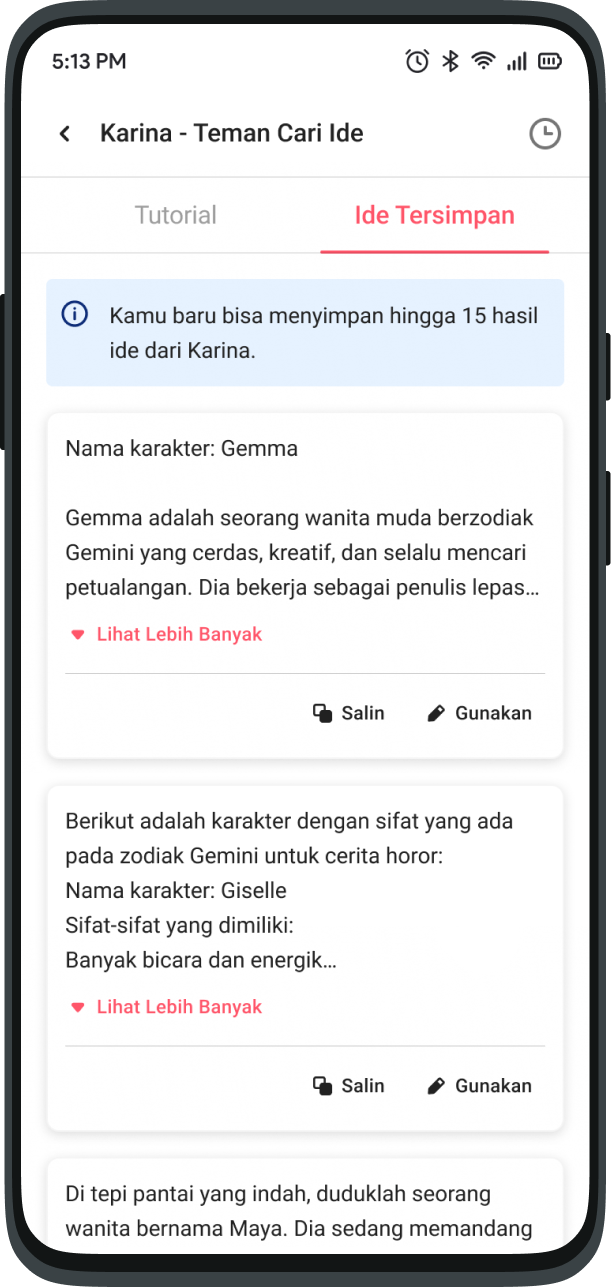
## **What is a Saved Idea?**
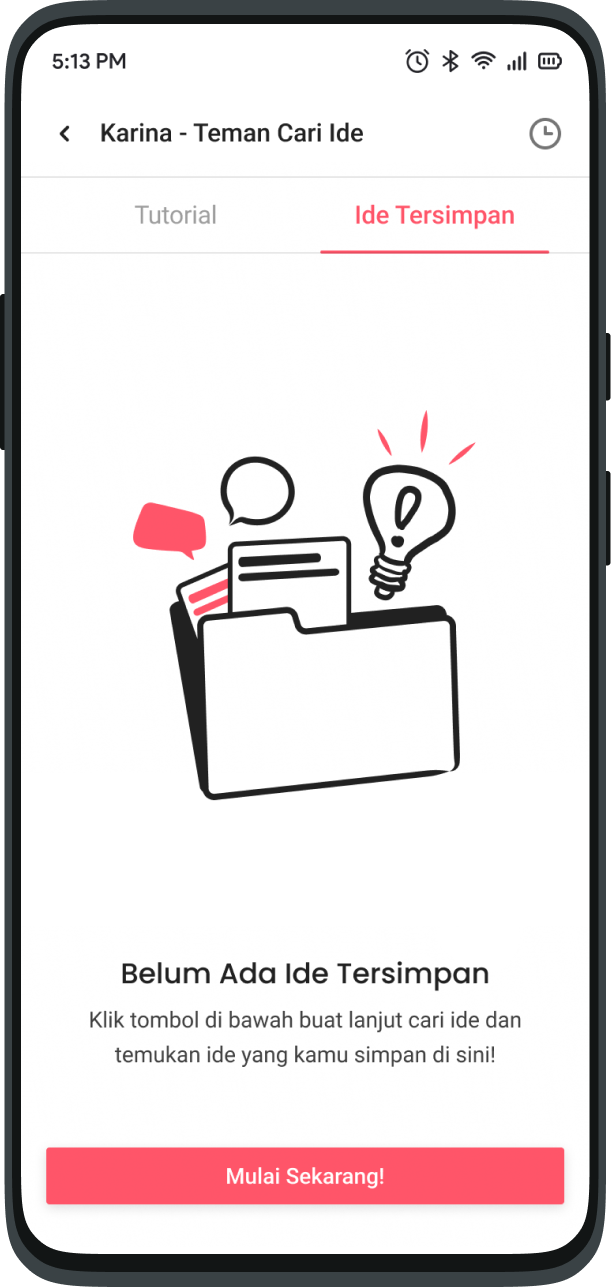
Saved ideas is where you can save Karina's ideas to read later.
On this page, ideas that have been successfully saved can also be copied or used directly for your work.\
Here's a very simple way for you to save ideas from Karina.
* On Karina's answer, select the “Save” option.
* Voila! Your idea is successfully saved!
* Visit the successfully saved Ideas on the "Saved Ideas" tab on the Karina- Idea Buddy Home Page
## FAQ
*Other things related to the **Karina - Idea Buddy** feature that are frequently asked*
What questions can I ask Karina?
Anything that can help you find inspiration for your work. It can be about story outlines, dag-dig-ser plot twists to interesting characters as long as it does not violate the terms of use.
Also read: [Terms of Use](https://karyakarsa.com/terms)
Why didn't Karina answer clearly enough?
Karina is not rude. Make sure your questions are clear and complete. Avoid ambiguous questions that can confuse Karina.\
You can use the existing template so Karina can help you find better ideas!
\
Also read: [How to Use Templates](#how-do-i-use-templates)
How many times can I ask Karina?
As much as possible so that your work becomes more solid with lots of inspiration.
As long as you have enough Kakoin and a stable internet connection, Karina is always on standby. :tada:
I opened the feature, but exited the page. Did my chat session end?
No. If you have opened a feature but have not asked anything, you can return without paying to open the feature again.
Where do I report if I experience problems?
Stay calm, okay.\
Please contact KaryaKarsa Customer Service via the following link -> [Report Problems](mailto:tanya@karyakarsa.com)\
\
or\
\
Join the community on Telegram (link available on [Creator Dashboard](/karyakarsa-usage-guide/creator-guides/panduan-dashboard-kreator.md)).